 川流不息
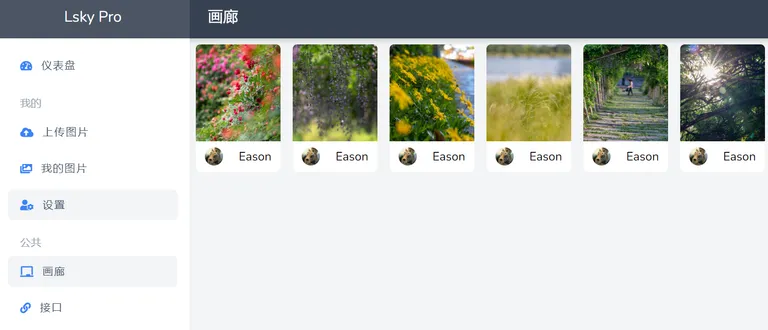
Free image hosts are getting harder to find, and they come with lots of limits on image size, number of uploads and total storage. Could we build an image host on a Synology NAS or our own server and expose it through a home broadband connection? That way storage is practically unlimited, and upload bandwidth can reach 50 Mbps — faster than some paid image hosts.
This post introduces a tool for creating a private image host on a home Synology NAS, accessible from the internet via DDNS and a custom port. The tool is called Lsky Pro. Images can be stored locally, and mainstream third-party storage is supported too.
Installing Lsky Pro
You can install it on a server with Apache or Nginx, or with Docker. Docker is simpler, and with SQLite there’s no separate database to configure and maintain; performance is fine for personal use or a small number of users. Download and install it with:
docker pull halcyonazure/lsky-pro-dockerOnce installed, start a Docker container:
docker run -d --name lsky-pro \
	--restart unless-stopped \
	-p 8090:8090 \
	-v /volume2/docker/lsky:/var/www/html \
	-e WEB_PORT=8090 \
	halcyonazure/lsky-pro-docker:latest
Now open port 8090 in a browser to reach the installer, choose SQLite, and enter the initial admin account and password.
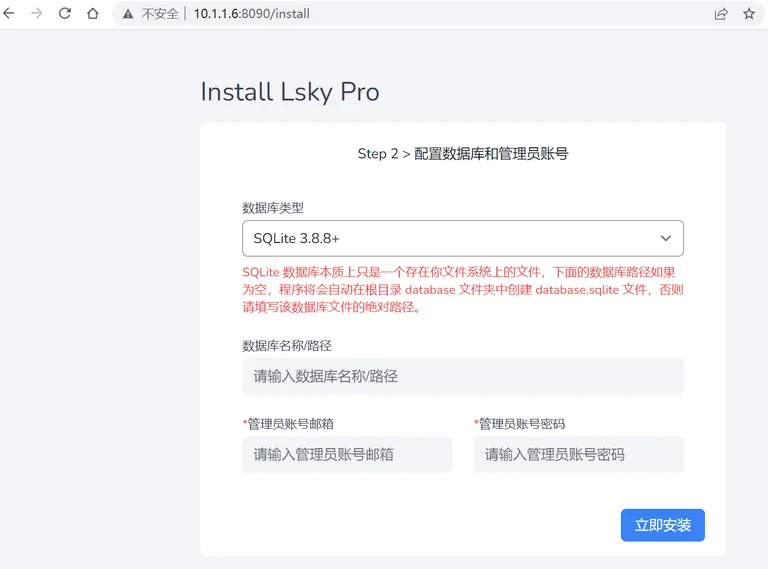 After installation it redirects to the home page. Log in with the admin account to adjust settings such as the maximum file size, upload limits and the domain name.
Add NAT port forwarding and a reverse proxy, and you can access it and upload images over the internet.
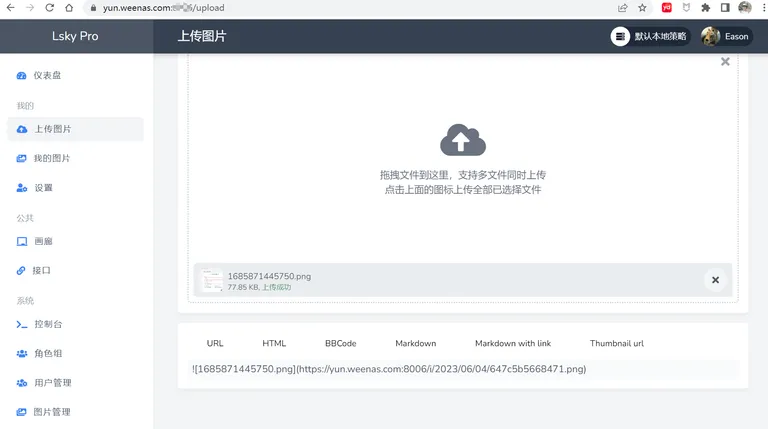 After uploading, just like with a commercial image host, every image gets links in HTML, Markdown and other formats. Copy the link you need into your document to display the image.